
Human-centred Automation
Better cobot feedback is designed around the task
New research shows that cobot feedback should be matched to the type of collaboration. More guidance can improve understanding and coordination, but the most effective interface depends on how closely the operator and robot work together.
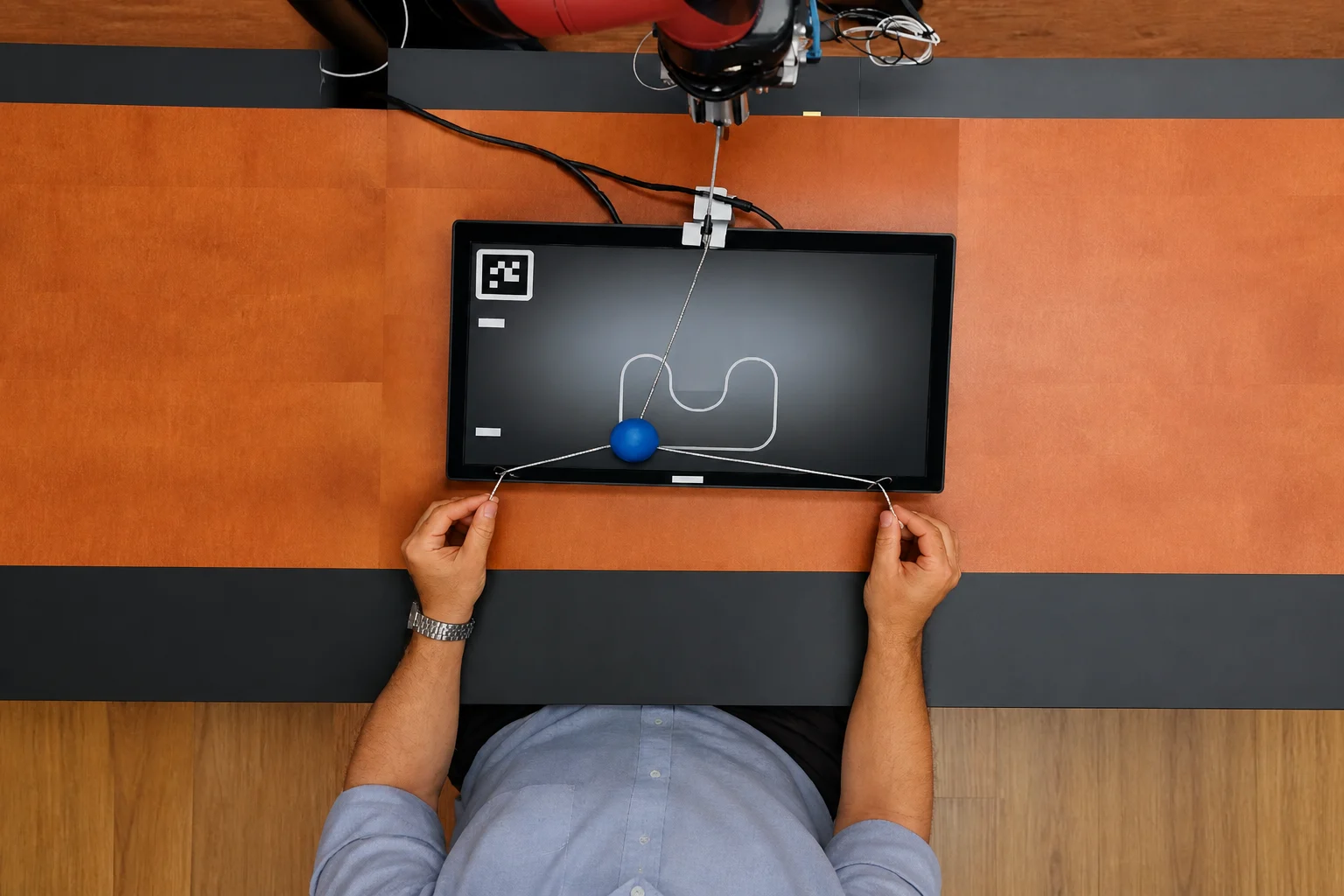
A collaborative robot does not communicate only through movement. Screens, sounds and projected guidance can all help an operator understand what the system expects next. A new study suggests that choosing between these methods should be treated as part of application engineering - not as a cosmetic interface decision.
Faster is not automatically better
Researchers tested 79 technically educated but inexperienced cobot users in two scenarios. In a turn-taking task, working without additional feedback produced the shortest completion times. However, participants reported a poorer interaction experience, while physiological measurements suggested somewhat higher activation.
Combined visual and auditory feedback improved comfort and task understanding, although completing the task took slightly longer.
Closer collaboration needs clearer guidance
The second experiment required the participant and cobot to coordinate continuously. Here, a projected interface showing the next target area produced the fastest completion times and the strongest subjective ratings.
The findings suggest that feedback which is integrated directly into the workspace can be particularly valuable when people and robots must continuously adjust to one another.
Interface design belongs in cell design
There is no universally best feedback channel. A simple sequential application may need only a clear status indication, while a tightly coordinated operation may benefit from spatial or multimodal guidance.
For manufacturers, the practical lesson is that alarms, instructions, screens and visual cues should be validated with the people operating the cell. They affect confidence, comprehension and performance just as tooling and robot motion do.
Practical takeaways
- Match feedback to the coordination demands of the application.
- Test understanding and operator comfort - not only cycle time.
- Avoid adding sounds, screens or projections without a defined operational purpose.
- Include interface validation in feasibility testing and operator training.
This briefing was independently written by Multitech from the cited primary research. Multitech was not involved in the study. The findings come from controlled experiments with novice participants and should not be interpreted as universal performance guarantees for industrial applications.